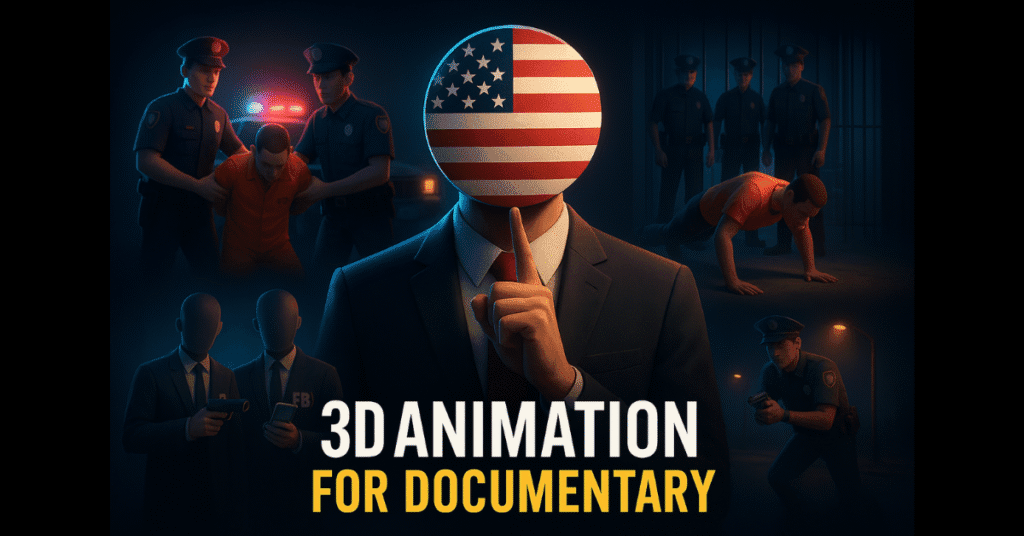
Step-by-step process: From idea to upload
1. Pick a topic that already has demand
Start on YouTube itself. Search for documentary channels in the niche you like—history, true stories, unexplained mysteries, or current events. Look for topics multiple channels are covering. That shows existing interest and increases the chances of your video doing well.
Pro tip: Emotional or suspenseful stories convert better. When you pick one, note the common keywords and questions viewers ask in comments—use them later for tags and descriptions.
2. Write a human-first script using ChatGPT
Use ChatGPT to generate a draft script quickly. Prompt it with the topic and desired tone: “Write a short documentary script about something emotional but factual.” Then edit the draft—add your voice, simplify sentences, and include a short hook for the first 10 seconds.
Breaking the script into 6–10 scenes makes later visual planning easier. Each scene will become one AI-generated image or short clip.
3. Generate 3D image prompts
For each script scene, ask ChatGPT to produce a cinematic 3D image prompt. Example prompt: A solemn refugee shelter at dusk, realistic 3D, cinematic lighting, close-up, 16:9
. This is the base text you’ll paste into an image generator.
4. Create high-quality visuals with ImageFX / Lardo
Use ImageFX, Lardo AI, or Leonardo to turn prompts into 3D images. Set the aspect ratio to 16:9 and lock the seed for consistent style. Generate 3–4 variations and choose the best one. Repeat until you have visuals for every scene.
5. Convert images into short motion clips (TopMedia)
Upload each chosen image to an AI video generator such as TopMedia. Add a brief scene description (you can get that from ChatGPT), set the resolution to 1080p, and set the duration to 6–8 seconds per scene. Generate clips—TopMedia usually gives clean, watermark-free results.
6. Add a professional AI voiceover
Use TopMedia’s Text-to-Speech or 11Labs to create realistic narration. Choose a narrative voice and paste your refined script. Download the audio file and keep separate clips aligned to each scene for easy editing.
7. Edit everything together
Use a simple editor like CapCut, VN Editor, or DaVinci Resolve. Import clips and voiceover, sync narration to visuals, add cinematic transitions and non-copyright background music, and fine-tune pacing. Export at 1080p for best results.
8. Optimize title, description & tags
Write a crisp title with your focus keyword. Use the main keyword several times naturally in the description and include links to your social profiles or aipaise.in. Add 10–15 tags, including long-tail phrases you found in step 1.
AI tools and platforms used in this process
- ChatGPT—script writing and prompt generation.
- ImageFX / Leonardo—realistic 3D image generation for visuals.
- TopMedia AI—image-to-video and text-to-speech (voiceovers).
- 11Labs—an alternative for premium voice quality.
- CapCut / VN Editor / DaVinci Resolve—video editing and final polishing.
These tools together cover every stage of AI documentary video making: ideation, scripting, visuals, voice, and editing.
Real-life use case: Small channel, big results
A creator uploaded just 6 documentary-style shorts using this exact workflow. Within weeks the channel crossed thousands of subscribers, and one video reached millions of views. Another channel followed a similar path and hit 200K+ subscribers in months. Their secret? Consistent topics, emotional storytelling, and quality visuals produced via AI documentary video making.
SEO tips & keyword strategy
Use the focus keyword “AI documentary video making” in these places:
- Title (exact or close match)
- First paragraph
- At least 2–3 headings
- Within the first 100 words of the description
- 3–4 times naturally in the article body and FAQs
Also include long-tail keywords such as “step-by-step guide to create documentary videos with AI” and “how to make 3D documentary-style videos in one hour” inside the article and FAQ answers. This helps Google understand context and improves rankings for related queries.
Conclusion
Making high-quality documentary videos is no longer limited to studios. With the right process and tools, you can start AI documentary video making today, even with zero budget. Focus on trending topics, keep your scripts emotional yet factual, and polish visuals using ImageFX or Lardo. Then convert visuals into clips with TopMedia and finish with a clean edit. Do this consistently, and your channel can grow fast.
“Leveraging AI tools not only enhances the quality of your documentary videos but also streamlines your workflow. For a comprehensive guide on the top AI tools that can accelerate your business growth, check out our article on AI Tools for Business Growth in 2025.”
10 Frequently Asked Questions (SEO-friendly)
1. What is AI documentary video making?
AI documentary video making is the process of using artificial intelligence—like ChatGPT, ImageFX, and TopMedia—to write scripts, generate visuals, produce voiceovers, and assemble documentary-style videos without a large team.
2. Can I make documentary videos for free?
Yes. Many tools offer free tiers—ChatGPT for scripts, ImageFX for images, and TopMedia for basic video and voice generation. Free plans may have limits but are great for starting out.
3. Do AI videos get demonetized on YouTube?
Not necessarily. YouTube allows AI-generated content if it is original, provides value, and does not violate policies. Add unique storytelling and your own editing to avoid issues.
4. Which tools give the most realistic voiceovers?
11Labs and TopMedia are top choices. 11Labs offers highly realistic voices, while TopMedia provides free credits and an easy workflow.
5. How long should my AI documentary be?
Short documentary clips (1–3 minutes) and YouTube Shorts can go viral quickly, but longer videos (6–12 minutes) earn better watch time and ad revenue. Choose length based on your topic and audience.
6. Is advanced editing skill required?
No. Beginner-friendly editors like CapCut and VN Editor are enough for assembling clips, syncing voiceovers, and adding music. Learn basic cuts and transitions to improve quality fast.
7. Will AI visuals look the same across scenes?
You can maintain a consistent look by locking the seed in the image generator and using similar lighting or color palettes across prompts. This creates a cohesive documentary feel.
8. How do I find topics that will be trending?
Use YouTube search, check recent uploads of documentary channels, and monitor news and social trends to pick topics that multiple creators are covering—this increases the chance of virality.
9. What keywords should I target for faster growth?
Use the primary keyword “AI documentary video making,” plus long-tail keywords like “how to make 3D documentary-style videos in one hour” and “best free AI tools for creators” in your title, description, and tags.
10. How quickly can I produce a video using this method?
If you follow the steps efficiently—topic research, script, prompts, image creation, clip generation, voiceover, and edit—you can produce a short documentary in a few hours. Practice brings the time down further.