
Best AI Tools for PPT – Smart Presentation Makers for Students
Why AI Presentation Tools Matter for Students
Students often spend hours formatting slides, choosing colors, and writing bullet points. With AI presentation makers, those repetitive steps are automated. The tools use machine learning to organize content, generate visuals, and maintain consistent style—perfect for assignments, seminars, or project reports.
Key Benefits
- Speed: Convert notes or scripts into slides in seconds.
- Design consistency: No mismatched fonts or off-balance layouts.
- Accessibility: Cloud-based, works anywhere on any device.
- Creativity boost: AI suggests icons, charts, and templates suited to your topic.
Top AI Tools for Creating PowerPoint Presentations
1. Beautiful.ai
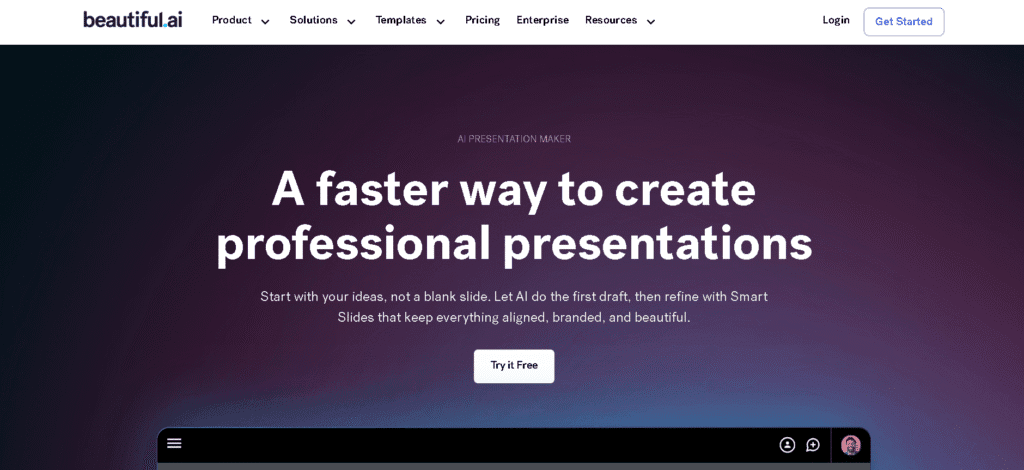
Beautiful.ai is one of the best-known AI tools for presentation design. It helps you structure ideas visually with smart slide layouts. Once you add content, the design adjusts automatically. For students, the free version offers enough templates and export options for academic work.
- Smart templates and visual hierarchy
- Real-time collaboration for group projects
- Automatic resizing and content alignment
2. Tome.app
Tome uses AI storytelling to turn your ideas into visually engaging presentations. You can write a short description like “climate change impact study,” and Tome generates a full presentation with text, images, and structure ready to edit.
- Text-to slide generation with AI
- Built-in visuals and animations
- Great for project demos and reports
3. Gamma App
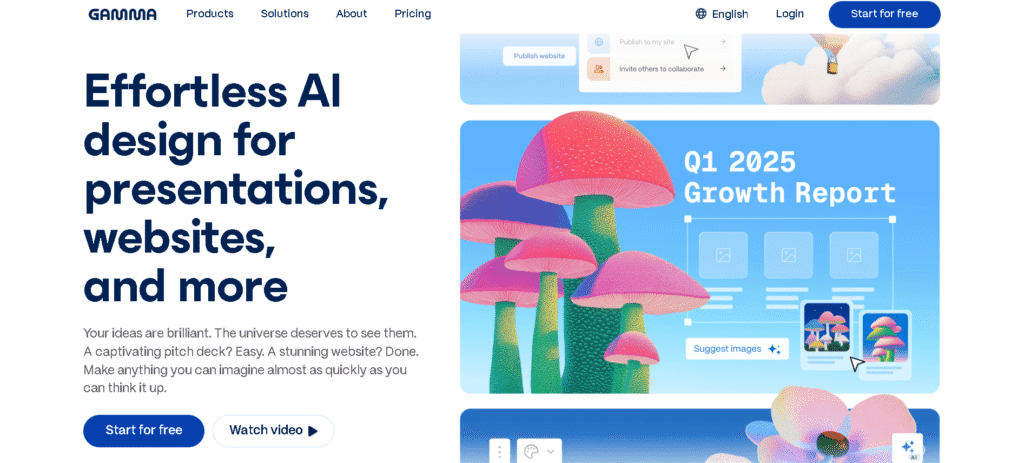
Gamma is an emerging favorite among students who want clean, minimalist slide decks. It blends slides and documents into a flexible storytelling format. Gamma’s AI helps summarize content and match visuals with your theme.
- Simple drag-and-drop interface
- Built-in AI content rewriter
- Perfect for short classroom presentations
4. SlidesAI.io
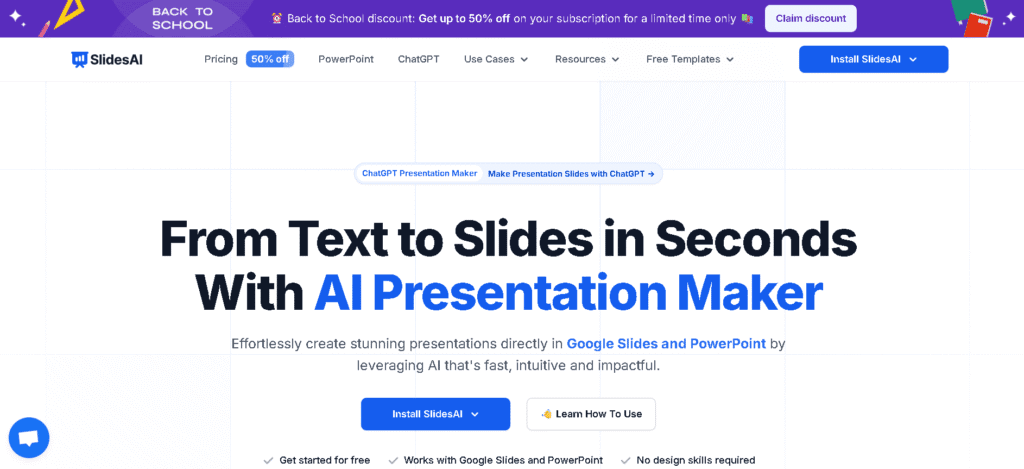
SlidesAI.io integrates directly with Google Slides. Paste your text or lecture notes, and the AI creates structured slides instantly. It’s ideal for students who already use Google Workspace for assignments.
- Works inside Google Slides
- Supports text summarization and slide design
- Free plan with limited exports
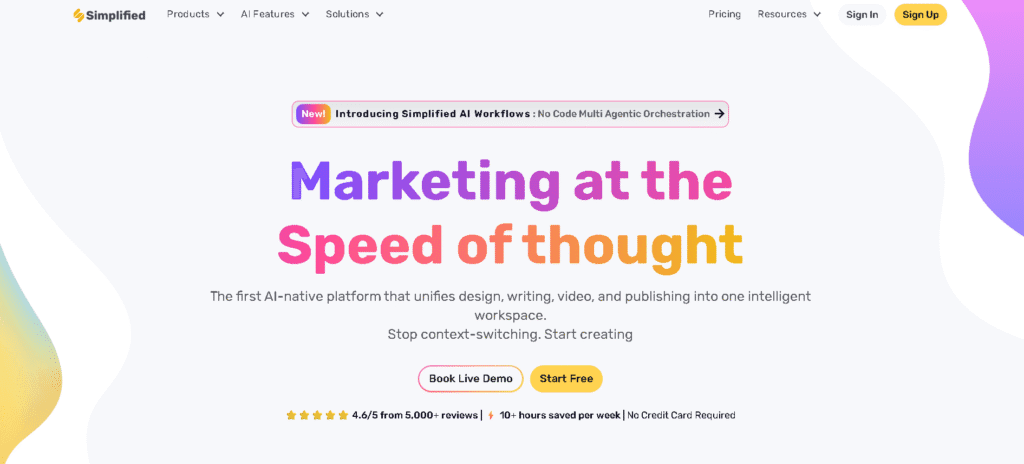
5. Simplified
Simplified combines copywriting and design AI. You can use it to write slide content, choose icons, and export to PowerPoint or PDF. It’s a good choice for students who want everything writing, visuals, and editing in one tool.
- AI writer and design editor
- Thousands of templates
- Collaboration and version history
How to Use AI to Create a PPT Fast
- Pick an AI tool like Beautiful.ai or Tome.
- Write a short prompt describing your topic e.g., “presentation on renewable energy for students.”
- Let the AI generate slides automatically.
- Edit content, add your personal insights, and adjust tone.
- Download as PPT or PDF for submission.
For best results, keep your prompt clear and topic-focused. The AI will handle structure and visuals, but your input shapes quality.
Tips for Students Using AI PPT Tools
- Don’t rely blindly: always check facts and data.
- Keep it simple: Avoid overloaded slides minimalism enhances clarity.
- Add a personal touch: Insert your examples or images.
- Stay ethical: Credit AI tools and sources where necessary.
FAQ – AI Tools for PPT
1. Are AI PPT tools free for students?
Many offer free versions with limited features—enough for academic presentations. Examples include SlidesAI.io and Gamma.
2. Can AI tools replace PowerPoint completely?
No. They enhance PowerPoint by automating design and layout, but human editing still improves accuracy and storytelling.
3. Which AI PPT tool works best for group projects?
Beautiful.ai and Simplified offer strong collaboration features, allowing multiple students to edit simultaneously.
4. Is it safe to upload school notes to AI tools?
Yes, if you use trusted platforms with privacy policies. Avoid uploading sensitive personal data.
Conclusion
AI PowerPoint generators make presentation creation faster and smarter for students. Whether it’s a classroom talk, research summary, or group project, tools like Tome, Beautiful.ai, and SlidesAI.io help you design impactful slides in minutes. Use them wisely, keep your message clear, and let AI handle the tedious parts so you can focus on learning and delivery.
For more on AI tools and content creation, check out our AI-Powered Content Studio Guide 2025.