How to Create AI Kids’ Song Videos for YouTube That Actually Make Money
If you think YouTube’s biggest earners are vloggers, gamers, or influencers, think again. The most-watched video in YouTube history isn’t a MrBeast challenge or a Bollywood track. It’s Baby Shark, a simple kids’ song with over 16 billion views. The creators behind it make millions every month from one of the easiest content types to produce: animated kids’ songs.
Here’s the exciting part: you don’t need to sing, draw, or own a studio to make something like that. With today’s AI tools, anyone, especially digital creators, can produce a full kids’ song and animated video with a few smart prompts.
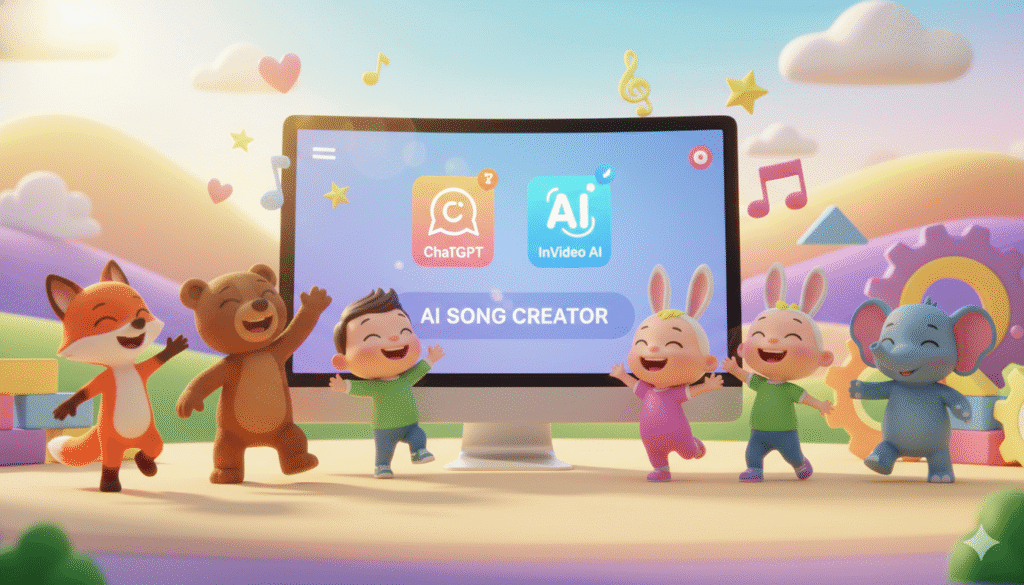
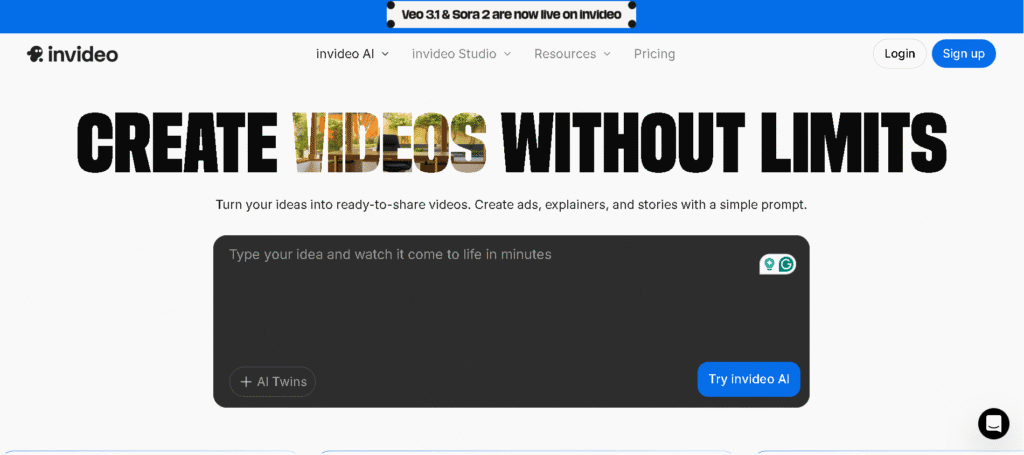
In this tutorial, you’ll learn how to create AI kids’ song videos from idea to income using ChatGPT, InVideo AI, and a few free creative tools.
Why AI Kids’ Song Videos Are the Next Big YouTube Opportunity
Before we dive into how, let’s understand why this niche works so well. Kids’ content is one of the most profitable and evergreen categories on YouTube. Channels like Cocomelon, Little Baby Bum, and Gracie’s Corner pull in billions of views with simple songs that parents trust and toddlers adore.
Here’s why it’s gold:
- Parents are always searching for safe, engaging toddler entertainment.
- These videos stay relevant for years of evergreen traffic.
- High CPM thanks to family-friendly content.
- And now, AI automates most of the production process.
While others grind in saturated niches, AI-powered creators quietly build million-view kids’ channels fast and cheap. Let’s see how you can do the same.
Step 1: Choose the Right Song Concept
Your foundation is the idea. Picking a random nursery rhyme will get you lost in the crowd. You need a concept that’s popular but not overused.
Option 1. Manual Research
- Search “kids songs” or “nursery rhymes” on YouTube.
- Use Filter: Sort by Most Viewed (this year).
- Look for trends like color songs, animal sounds, or movement-based songs.
Option 2. AI Research (Smarter Way)
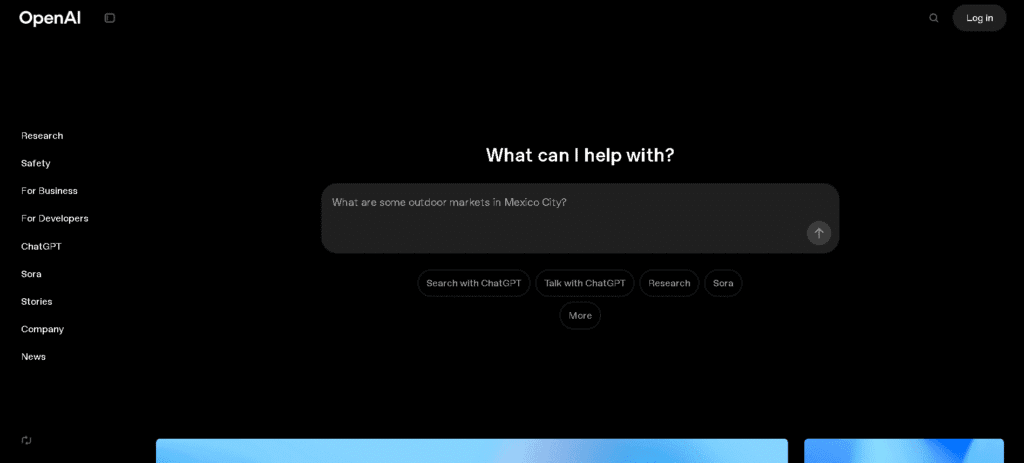
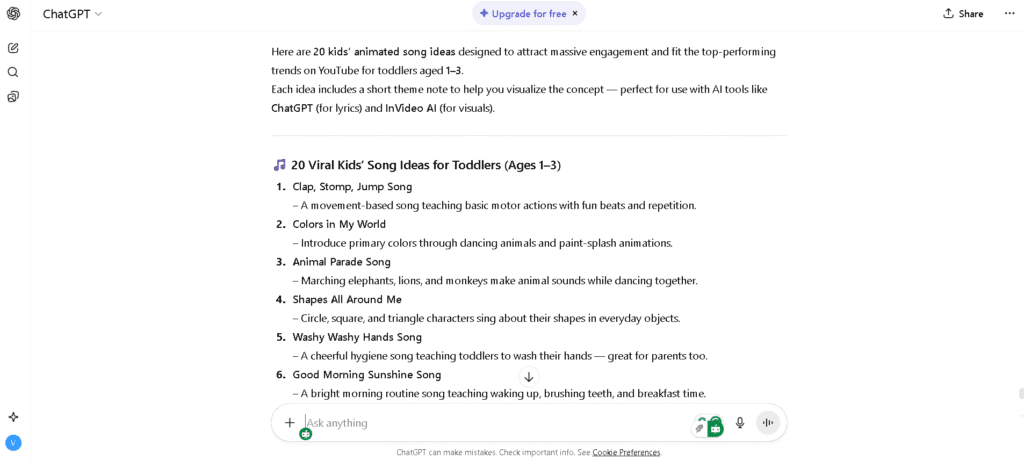
Let ChatGPT handle the research for you. Try this prompt:
“Give me 20 kids’ animated song ideas that could reach the top 5% of YouTube earners, targeting toddlers aged 1–3.”
You’ll get a list of proven, high-demand ideas toddlers love dancing animals, shapes, daily routines, or playful actions.
Pro tip: Movement-based songs (clap, jump, spin) get the highest engagement since kids can follow along physically.
Step 2: Write Catchy, Simple Lyrics with AI
Kids’ songs succeed because of simplicity and repetition. Think of Baby Shark—it’s short, fun, and endlessly loopable. You don’t need to be a lyricist; just guide AI with the right structure.
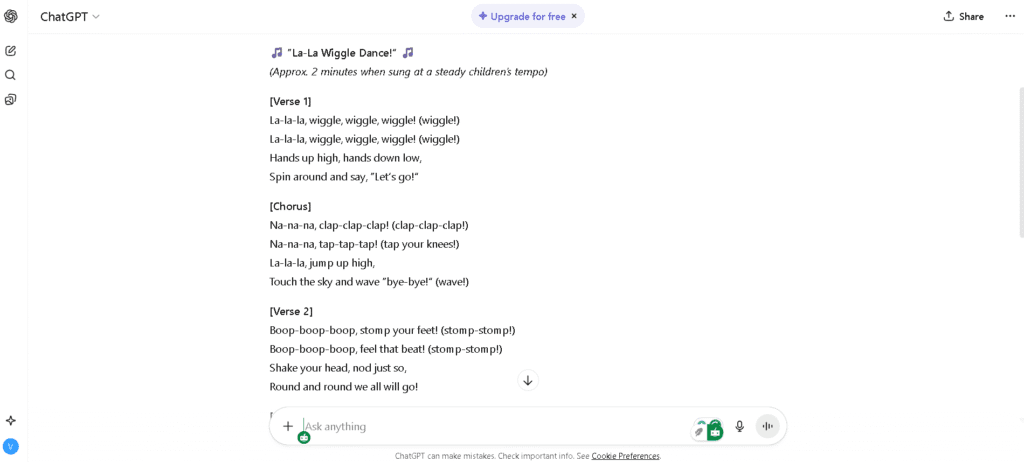
Try this ChatGPT prompt:
“Write a 2-minute kids’ song for toddlers aged 1–3, similar in style to Baby Shark but completely original. Include short lines, repetitive lyrics, playful nonsense words like ‘la’ or ‘na,’ and clear actions such as clapping, jumping, or waving.”
Keep it under 2 minutes that’s the sweet spot for replay value. Once ChatGPT generates your lyrics, tweak a few lines for rhythm and natural phrasing. Each verse should include a simple motion cue toddlers can mimic.
Step 3: Bring the Song to Life with InVideo AI, the Best AI Video Creation Tool for Beginners
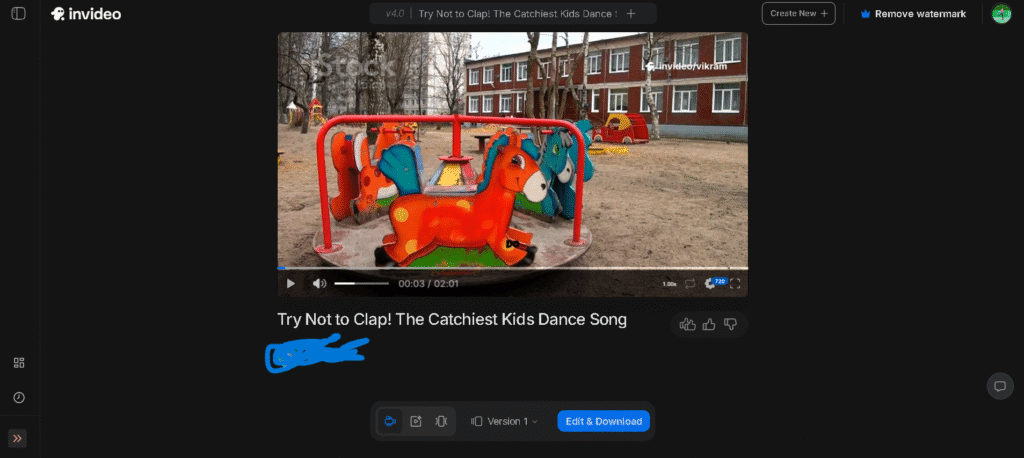
You’ve got your lyrics; now comes the fun part. Let InVideo AI handle the heavy lifting and turn those words into a bright, animated video.
This tool can generate scenes, characters, subtitles, and even music—all from a single text prompt.
Prompt Example for InVideo AI
“Create a 2-minute animated kids video in 16:9 format for YouTube. Style: bright, colorful, playful — like Baby Shark or Cocomelon. Include kids, animals, and shapes dancing and clapping. Use my lyrics as subtitles. Add upbeat background music with children’s voices (around 115 BPM).”
In a few minutes, you’ll get a studio-quality video.
If a scene feels off, go to Edit → Replace Scene and describe what you want changed. InVideo regenerates it automatically.
Tip: Use Ultra Quality for HD output—essential for YouTube monetization.
Step 4: Upload and Optimize Your YouTube Video
You’ve built your AI-powered masterpiece—now let’s publish it and attract viewers.
1. Create Your Channel
Use your Google account to create a YouTube channel. You can even ask ChatGPT for creative name ideas like Sunny Steps TV or Happy Tots Songs.
2. Upload the Video
- Drag and drop your AI-generated video.
- Optimize your title with natural keywords like
- “Clap Your Hands Song for Toddlers | AI Kids Animation”
- “Fun Dance Song for Kids | InVideo AI Creation”
Include the focus keyword (AI kids song video creation) in your title and early in your description. Paste your lyrics in the description; it boosts SEO and helps parents follow along.
3. Design a Catchy Thumbnail
Bright visuals sell. Choose a still with smiling kids, cute animals, or text like “Dance With Me!” You can design it in Canva for free.
4. Add Tags and Playlists
Use tags like “kids songs,” “nursery rhymes,” “AI animation,” and “YouTube Kids content.” Create a playlist such as the AI Kids Songs Collection to improve watch time.
Step 5: Monetize and Scale Your Channel
Once you’ve posted a few videos, it’s time to turn your creativity into cash.
Ways to Monetize
- YouTube Partner Program: Earn ad revenue after 1,000 subs and 4,000 watch hours.
- Brand Partnerships: Family brands pay well for sponsored placements.
- Merchandise or Licensing: Turn your characters into plushies or eBooks.
- Digital Products: Sell coloring pages or printable lyrics on your website.
Scale With AI
- ChatGPT: new lyrics and story ideas
- ElevenLabs: kid-friendly AI voices
- Canva: quick thumbnails
- InVideo AI: final animation
With this setup, you can publish one new video every week almost on autopilot.
Why This Works—The Psychology Behind Viral Kids’ Songs
Toddlers love predictability. Repetition, rhythm, and color help them learn and keep them watching. Every successful kids’ song follows this pattern:
- Bright, looping visuals
- Simple motions (clap, wave, dance)
- Upbeat melody and happy faces
Combine that with AI efficiency, and you’ve got a YouTube automation system that runs itself.
Common Mistakes to Avoid
- Overcomplicated lyrics—aim for under 60 words per minute.
- Long videos—toddlers lose focus after 3 minutes.
- Dark visuals—keep everything bright and warm.
- Vague titles—use searchable names like Animal Dance Song or Shapes Song.
Conclusion: Turn AI Power Into Playtime Profits
The world of AI kids’ song video creation is exploding, and early movers will dominate. You no longer need a team, budget, or animation skill. With ChatGPT for lyrics and InVideo AI for visuals, you can make fun, monetizable content in just a few hours.
Start small. Publish your first song. Watch how quickly parents and toddlers discover your videos—then scale it into a real business.
Your next viral hit could be just one AI prompt away.
Ready to take your AI content skills to the next level? Don’t miss our step-by-step guide on creating AI horror animations for YouTube
🔍 Frequently Asked Questions
Q1. How can I make AI kids’ song videos for YouTube if I have no animation or music skills?
A1. You don’t need technical skill—use ChatGPT for lyrics, InVideo AI to generate and animate scenes, and an AI voice tool for vocals. Provide clear prompts, tweak the output, and then export and upload the finished video.
Q2. What type of kids’ songs perform best on YouTube?
A2. Movement-based, repetitive songs (clap, jump, dance) that are short and catchy tend to get the most views and replay value from toddlers and parents alike.
Q3. Which AI tools are best for creating kids’ song videos?
A3. Combine ChatGPT for lyrics, InVideo AI for visuals and timing, ElevenLabs or similar for kid-friendly voices, and Canva for bright thumbnails to create a complete workflow.
Q4. How do I make my AI kids’ song videos rank higher on YouTube?
A4. Use natural long-tail keywords in the title and description (include the lyrics), add relevant tags and playlists, and design an eye-catching thumbnail to boost clicks and watch time.
Q5. Can I monetize AI-generated kids’ videos on YouTube?
A5. Yes—if the videos are original and follow YouTube’s policies. Monetization requires meeting the Partner Program thresholds (1,000 subs and 4,000 watch hours) and complying with family-friendly rules.
Q6. How often should I upload AI kids’ videos to grow my channel?
A6. Be consistent: one high-quality upload per week is a good target. Consistency helps build an audience, improves algorithm signals, and keeps parents returning for new content.