How to Make AI Nursery Rhyme Videos for YouTube (A Step-by-Step Guide)
I’ll admit it—I used to scroll through YouTube, see those simple nursery rhyme channels with millions of views, and feel a mix of awe and frustration. How were they doing it? I’m not an animator or a musician. But after digging into some powerful AI tools, I discovered a workflow that anyone can use.
Forget needing a huge budget or technical skills. In this guide, I’m going to show you exactly how to make AI nursery rhyme videos from scratch using a simple copy-and-paste method. This is the guide I wish I had when I started my journey into YouTube automation. Let’s build your first video together.
Why Kids’ Content on YouTube is a Goldmine
Before we jump into the “how,” let’s quickly cover the “why.” Kids’ content, especially nursery rhymes, is an absolute monster on YouTube. Parents often use the platform for entertainment and education, and kids have no problem watching the same song about friendly animals ten times in a row.
This repetition is what drives insane view counts. I’ve seen channels that are just a few years old with single videos hitting over 60 million views. While YouTube has specific rules about ads on “Made for Kids” content, successful creators in this niche are still building incredibly profitable businesses. It’s a massive opportunity if you’re looking to build a YouTube automation kids channel.
My Step-by-Step Method on How to Make AI Nursery Rhyme Videos
Ready to create your first video? Here’s the complete workflow I use, broken down into simple, actionable steps.
Step 1: Find a Proven Topic That Kids Already Love
Your journey starts with a bit of smart research, not guesswork. Head over to YouTube and search for trending nursery rhyme channels. Look for themes that consistently get high views, like songs about animals, community helpers, learning the alphabet, or counting numbers.
For this guide, I found a video about “Community Helpers” with 32 million views. That’s my signal. It tells me the topic is a winner. Once you find a popular video, copy its title. This will be the creative spark we feed to the AI.
Step 2: Generate an Original Song with Suno AI
Your video needs a catchy, original song. This used to be the biggest hurdle, but a tool called Suno AI completely changed the game for me. It’s an AI song generator that creates both the music and lyrics for you, and its free plan is surprisingly powerful.
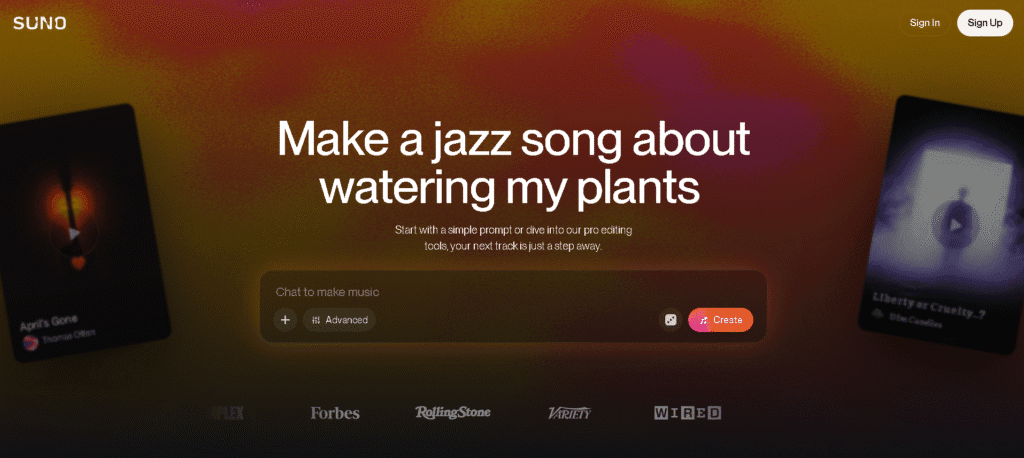
Once you’ve made a free account, here’s what to do: Suno Ai
- Write your prompt: In the prompt box, tell the AI exactly what you want. I started with, “Create a melodic nursery rhyme for kids that’s about [paste the video title you copied here].”
- Add crucial details: To get a great result, you need to be specific. I added, “Tell what police officers do, what firefighters do, and what nurses do.”
- Define the style: This part is key. Add phrases like “use children’s music group vocals,” “make it playful,” and “for kids aged 3 to 5.”
Suno will generate two unique song options. Listen to both, pick your favorite, download the MP3, and copy the lyrics. You’ll need those lyrics for the next step in our process of how to make AI nursery rhyme videos.
Step 3: Create Your Animated Video with InVideo AI
Now, let’s bring those lyrics to life. We’ll use InVideo AI, an AI video generator that is fantastic for creating animated kids’ content by transforming a script into visuals.
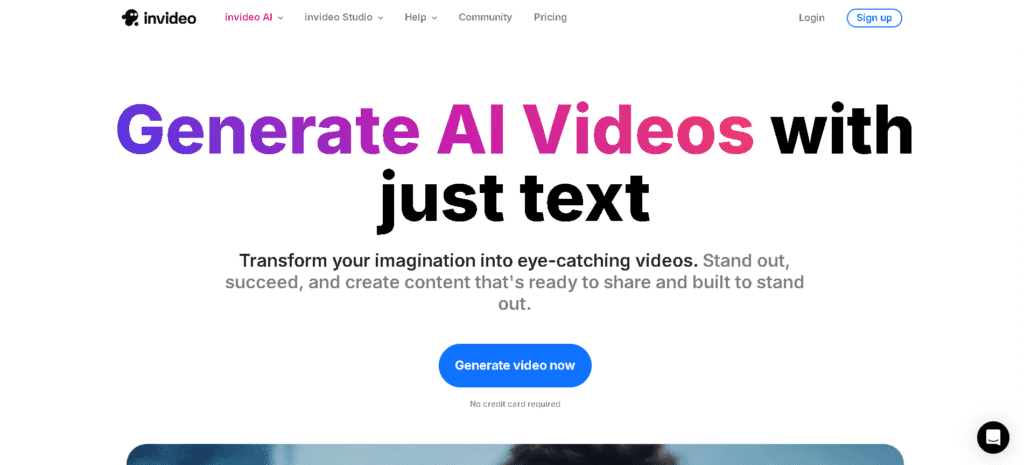
After signing in, follow these exact steps:
- Select “Use My Script”: Paste the lyrics you copied from Suno. Make sure to delete any extra text like “[Verse]” or “[Chorus]”—the AI only needs the raw lyrics.
- Adjust the Settings: Go to settings and choose “only generated clips.” This tells InVideo to create all the animation from scratch. I also recommend turning off subtitles for now.
- Choose a Style: In the “Generative Style” menu, select “Disney Pixar.” This gives you that high-quality, friendly cartoon look that performs so well with kids.
- Add Final Details: On the next page, set the video length to match your song’s duration (you can find this in Suno). Then, add this important note in the settings: “Don’t add any narrator voice.” We already have our song!
Click “Continue,” and InVideo will work its magic, creating an entire animated video based on your song.
Step 4: Put Your Song and Video Together
We have our song and our animated scenes, but they’re separate files. Let’s merge them right inside InVideo AI.
- Click the “Edit” button on your new video.
- Navigate to the “Music” tab and select “Upload Song.”
- Upload the MP3 file you downloaded from Suno.
- Once it’s uploaded, click “Replace” to swap the default background music with your original song.
- Apply and save your changes.
And that’s it! You have a complete, original, and charming nursery rhyme video ready for YouTube. If you’re not happy with a scene, you can easily fix it. Just type a command like, “Change the first scene to two children smiling and waving.”
But how do you actually make money? Monetizing Your AI Videos
Okay, so you’ve just created a professional-looking video in under an hour. Awesome! But let’s be honest, the real question is: can you actually make money with this? The answer is a definite yes. Knowing how to make AI nursery rhyme videos is one thing, but monetizing them is the real goal.
Getting into the YouTube Partner Program
To earn ad revenue, you need to join the YouTube Partner Program (YPP). The requirements are:
- 1,000 subscribers
- 4,000 public watch hours in the last 12 months
While ad revenue on “Made for Kids” content is a bit lower due to regulations, it’s still a very significant income stream for successful channels.
Smarter Ways to Monetize a Kids’ Channel
Don’t stop at ads! The most successful channels build multiple income streams. Here are a few ideas to get you started:
- Merchandise: Once you have a popular character, you can sell t-shirts, plush toys, and posters.
- Digital Products: If your content is educational, create printable coloring pages or simple digital storybooks.
- Affiliate Links: In your video descriptions, recommend toys, books, or art supplies you love and earn a commission from sales.
Pro Tips to Grow Your Channel Faster
Knowing how to make AI nursery rhyme videos is great, but getting people to watch them requires a smart growth strategy.
Create Bright, Eye-Catching Thumbnails
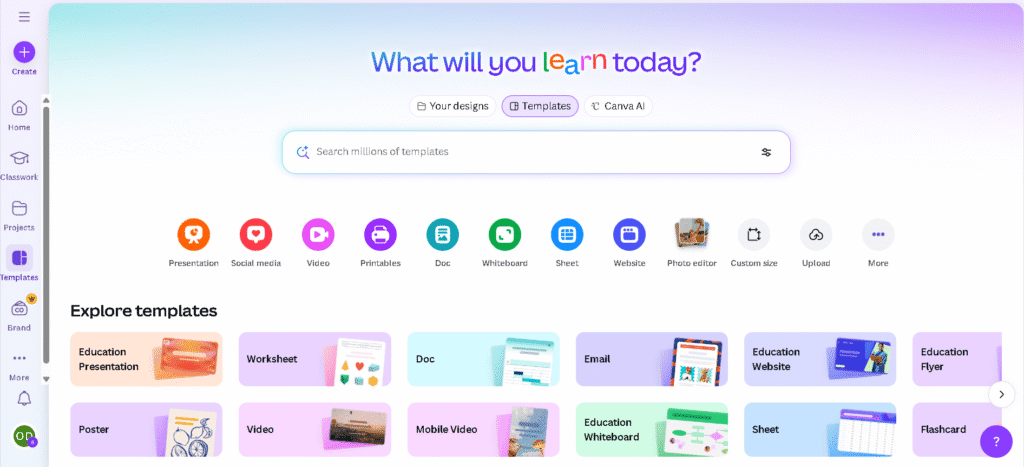
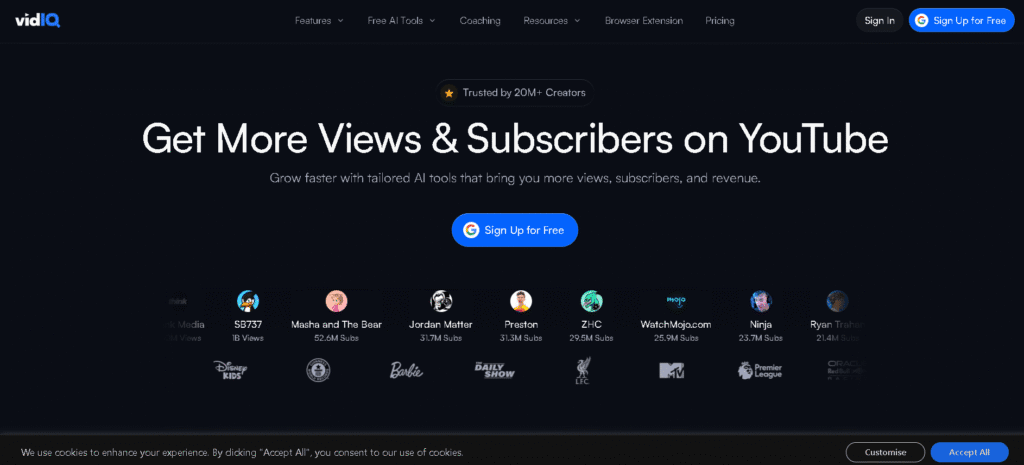
Your thumbnail is your video’s billboard. For nursery rhymes, simplicity wins. A bright, clear screenshot from the most exciting part of your video often works best. Use a tool like Canva or VidIQ’s thumbnail creator to add bold, colorful text that grabs a parent’s (or kid’s) attention.
The Unskippable Rule: Consistency
You’ve heard it a thousand times because it’s true: consistency is everything on YouTube. To see real growth, you need to upload on a regular schedule. I recommend aiming for at least one new video per week. The AI workflow we just covered makes this goal completely achievable.
Listen to Your Data
Pay attention to your YouTube analytics, even when your view counts are low. If one video gets 10 views and another gets 2, there’s a lesson there. What was different about the title? The thumbnail? The topic? Double down on what works to improve your strategy over time.
Your Journey Starts Now
The world of AI has blown the doors wide open for creators like us. You no longer need a Hollywood budget or a team of animators to produce quality content that kids love. By following this guide, you now have the complete blueprint for how to make AI nursery rhyme videos for YouTube.
The tools are ready, the process is simple, and a massive audience is waiting. The only thing left is for you to take that first step. So go on, start creating, and build the profitable faceless YouTube channel you’ve been dreaming of.
Now that you know the full process, are you ready to dive even deeper into creating the perfect song? Check out our detailed guide on how to create AI kids’ song videos for YouTube for more advanced tips and tricks.
Frequently Asked Questions
Q1. Can I truly monetize AI nursery rhyme videos on YouTube?
A1. Yes, absolutely. Once you’re in the YouTube Partner Program, you can earn from ads. On top of that, many creators build even larger incomes from merchandise, printable coloring pages, and affiliate links. It’s a proven strategy to make money with AI videos.
Q2. Are the AI tools like Suno and InVideo really free for creating this kids’ content?
A2. Both Suno AI and InVideo AI have great free plans that are more than enough to get your first few videos made. This lets you test the entire AI content workflow without spending a dime. As your channel grows, you can decide if their paid plans are right for you.
Q3. What’s the best way to change a scene in an AI video if I don’t like it?
A3. InVideo AI makes this super easy. Just use the “Edit” function and type a command for the scene you want to change. For instance, you could type, “change the third scene to show kids dancing with the police officer,” and the AI will generate a new clip for you.
Q4. How long does it take to make one AI nursery rhyme video with this method?
A4. Once you get the hang of it, you can go from idea to finished video in under an hour. This speed is a huge advantage for building a YouTube automation kids channel and staying consistent with your uploads.
Q5. Besides ‘Disney Pixar,’ what other animation styles work well?
A5. The “Disney Pixar” style is a safe bet, but don’t be afraid to experiment! InVideo AI has other great options like “3D Cartoon” or “Claymation.” Trying a unique style can help your AI-generated kids’ content stand out from the crowd.
Q6. For a new YouTube Kids channel, what’s more important: perfection or consistency?
A6. Consistency, without a doubt. Especially when you’re starting out, your main goal is to upload regularly (aim for once a week) to feed the algorithm and gather data. You’ll learn what your audience likes, and your videos will naturally get better over time. Don’t let “perfect” be the enemy of “done.”